
This guide contains affiliate links. If you buy through them, EWM PLAY may earn a commission at no extra cost to you. Prices change often, so every card below shows the live Amazon price when you click it.
Key facts
- Most players should buy a 27-inch 1440p monitor: it is the sweet spot between sharpness and frame rates in 2026.
- OLED now wins on picture quality, with 240Hz OLED panels widely available and burn-in warranties of 2 to 3 years from LG, Samsung, and ASUS backing them up.
- Consoles top out at 120Hz, so a 240Hz or 480Hz panel only shows its full speed on a PC.
- Monitor deals started early in October 2026, with deal trackers counting 22 live monitor deals in the first week alone.
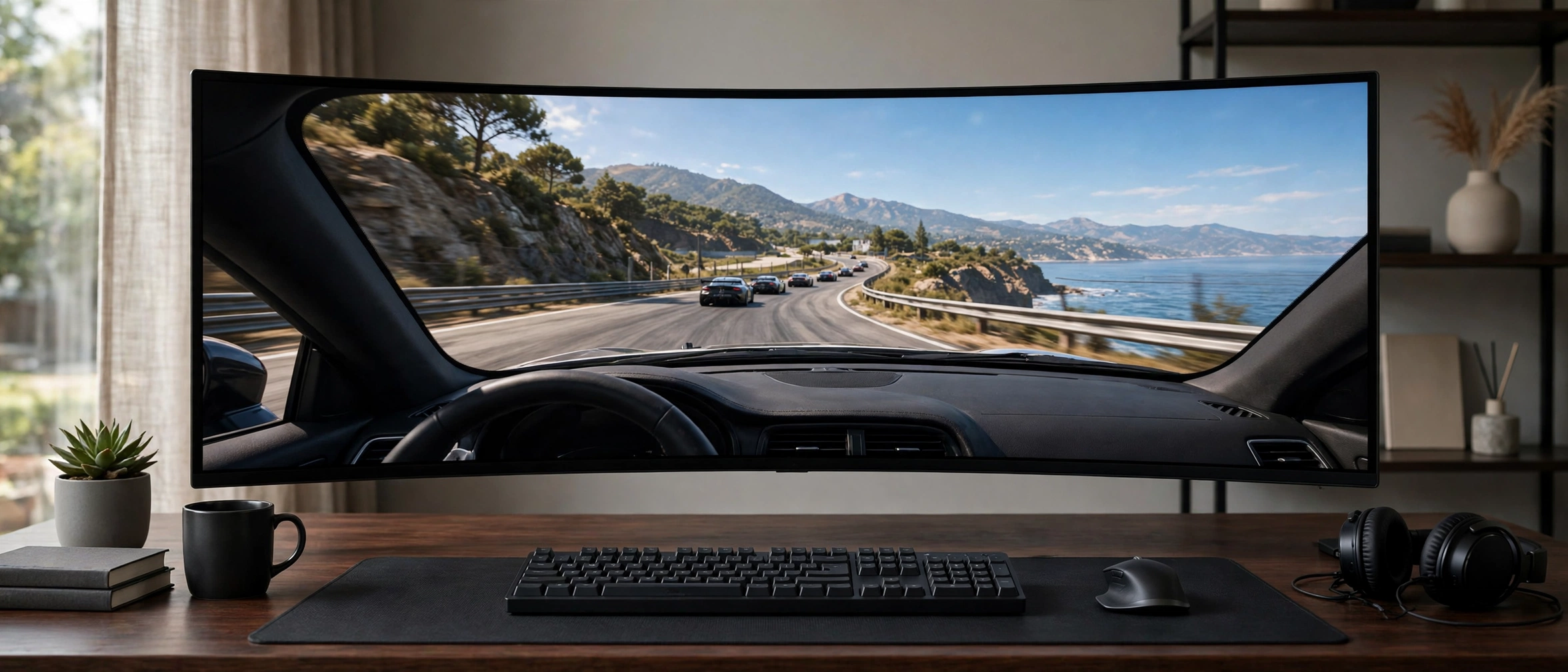
Buy a 27-inch 1440p monitor. That’s the short answer when choosing gaming monitors in 2026, and everything below explains when to break that rule. If you play competitive shooters on a PC, chase refresh rate. If you play story games in a dark room, chase OLED blacks. If one screen must do work and play, go ultrawide.
Timing helps too. Deal trackers counted 22 monitor deals already live in the first week of October 2026, and the deepest cut hit 46% off list. You don’t need to wait for Black Friday itself to get a good price, but you do need to know which panel is worth your money before the sale noise starts. That’s what this guide does.
Best gaming monitors comparison table


| Monitor | Size | Resolution | Refresh rate | Panel | Best for |
|---|---|---|---|---|---|
| ASUS ROG Swift OLED PG27AQDP | 26.5-inch | 2560 x 1440 | 480Hz | WOLED | Competitive players |
| Samsung Odyssey OLED G9 (G91SD) | 49-inch | 5120 x 1440 DQHD | 240Hz | QD-OLED | One screen for gaming, work, and movies |
| LG UltraGear 27GS93QE | 27-inch | 2560 x 1440 | 240Hz | OLED | OLED picture without flagship prices |
| LG UltraGear 27G610A-B | 27-inch | 2560 x 1440 | 200Hz | IPS | Most players, safe default |
| ASUS TUF Gaming VG27AQ1A | 27-inch | 2560 x 1440 | 170Hz (overclock) | IPS | Budget and console-first setups |
What size and resolution should you pick?
Buy 27 inches at 1440p unless you have a specific reason to go bigger — among gaming monitors, this size and resolution is the sweet spot in 2026. At 27 inches, 1440p looks sharp from a normal desk distance, and a mid-range graphics card can still push high frame rates at that resolution. Go 32 inches only if you sit farther back, and go 4K only if your graphics card can feed it — 4K has 2.25 times the pixels of 1440p, so it demands a far stronger GPU for the same frame rate.
Skip 1080p at 27 inches: at that size, 1440p is visibly sharper and usually costs only a little more. And skip a curved screen unless you want it — on a standard 16:9 panel it mostly adds cost. Your desk depth matters more than marketing: a 49-inch ultrawide needs room, or you’ll sit too close to enjoy it.
Is OLED worth it, or is IPS the smarter buy?
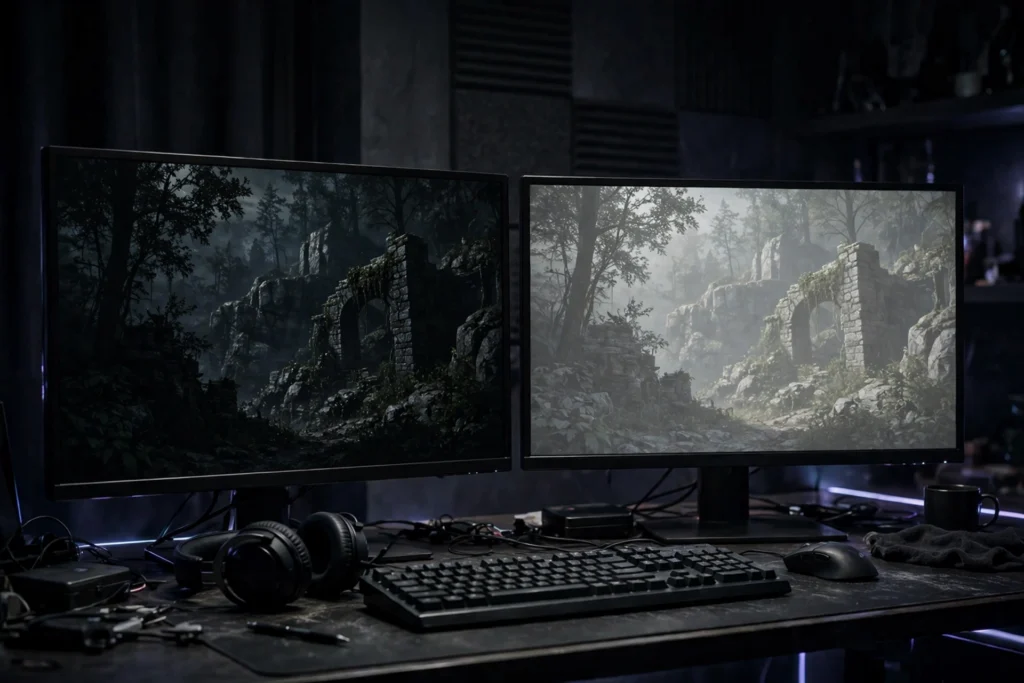
OLED wins on picture, IPS wins on price and peace of mind. An OLED pixel switches off completely, so blacks are truly black and dark scenes in story games show detail that LCD panels wash out. Every OLED pixel also changes in about 0.03 milliseconds, which keeps motion sharp at any refresh rate. IPS panels can’t match that contrast, but they cost far less, they never worry about burn-in, and they stay bright in a sunlit room where OLEDs look dimmer.
Here’s the honest split. Buy OLED if you play in a darker room, you care about story games and movies as much as shooters, and you’ll leave the panel’s care features switched on. Buy IPS if your budget is tight, your room is bright, or your screen shows the same desktop and taskbar for 10 hours a day. Neither choice is wrong — the wrong move is paying OLED money for a spreadsheet screen, or buying cheap IPS and wondering why night scenes look gray.
What refresh rate do you actually need?
Match the refresh rate to your graphics card, not to the biggest number on the box. A 240Hz panel shows you nothing extra if your PC renders 90 frames per second — you need frames to fill those hertz. For most players, 165Hz to 200Hz is the sweet spot: fast enough that shooters feel responsive, reachable enough that a mid-range card gets there at 1440p. Competitive players with strong cards can justify 240Hz and beyond, where the gain is real but small.
Monitor makers quote response times from controlled best-case tests, so treat 1ms and 0.03ms as comparisons between panels, not promises about your desk. What you actually feel is the combination: high refresh rate plus fast pixels plus variable refresh rate keeping frames and panel in step. If your budget forces a choice, pick refresh rate for shooters and resolution for story games — you can’t buy both at the bottom of the price range.
Will these monitors work with a PS5 or Xbox?
Yes, with one limit you should know before buying. Sony’s own PlayStation pages say the PS5 outputs 1440p since its September 2022 update, and it tops out at 120Hz — so a 240Hz or 480Hz panel still works, but the console never uses the extra hertz. What matters for consoles is the port: check for HDMI 2.1 if you want 4K at 120Hz, and check that the monitor supports 1440p at both 60Hz and 120Hz if you want 120Hz at 1440p. Our best PS5 headsets guide pairs with any of these if audio is your next upgrade.
PC players have it easier. DisplayPort carries the full refresh rate on every pick below, and variable refresh rate — FreeSync on AMD cards, G-SYNC Compatible on NVIDIA cards — stops tearing when frame rates dip. Console players should still favor two HDMI ports: one for the console, one for anything else.
1. ASUS ROG Swift OLED PG27AQDP — Best overall for competitive players
Verdict: The fastest OLED you can buy, and the pick if shooters are your main game. ASUS calls it the world’s first 1440p 480Hz OLED monitor, and the spec sheet backs up the brag: a 26.5-inch WOLED panel at 2560 x 1440, a 480Hz refresh rate, and a 0.03ms response time. In competitive titles, the step from 480Hz OLED to 540Hz TN is hard to perceive, and you gain OLED contrast that no TN display can match. That’s the whole argument in one line — speed without giving up picture.
Pros: 480Hz with true OLED blacks; 99% DCI-P3 color for content work too; a 3-year warranty covering burn-in, with advance replacement. Cons: you need a strong PC to feed 480 frames per second, or the headline number sits unused; early owner reports mention occasional flicker when switching between gameplay and frame-locked menus. If your card can’t push past 240 frames per second in your games, drop to the LG OLED below — you’ll never see what you paid for.
Best for: Competitive PC players chasing the PG27AQDP’s 480Hz panel and OLED blacks in one screen.
- World’s First 1440P 480Hz OLED Gaming Monitor: Experience unprecedented gaming performance with the industry’s first 144…
- Ultra-Fast Response Time and High Refresh Rate: 26.5-inch QHD 480Hz WOLED gaming monitor delivers 0.03ms response time f…
- Exclusive Gaming AI Assistant: Advanced AI technology helps you better navigate your gaming experience with intelligent …
2. Samsung Odyssey OLED G9 (G91SD) — Best super ultrawide
Verdict: One screen that replaces two, and the most immersive way to play story games. A 49-inch panel at 5120 x 1440 in a 32:9 ratio is exactly two 1440p monitors side by side, with no bezel down the middle and an 1800R curve wrapping your field of view. Samsung’s own spec sheet lists a 240Hz refresh rate, a 0.03ms response time, and DisplayHDR True Black 400, with FreeSync Premium Pro keeping AMD cards tear-free. Strategy games, racing games, and flight sims feel built for this shape.
Pros: massive workspace for work and play on one screen; QD-OLED color with true blacks; 240Hz keeps it fast enough for shooters too. Cons: it demands a deep desk and a strong graphics card — 5120 x 1440 is a lot of pixels to drive; some older games don’t support 32:9, so you’ll see black bars. Measure your desk before you fall in love with it. If the G9’s width scares you, the 27-inch LG OLED below gives you the same panel magic in a normal size.
Best for: Players who want one 49-inch screen for gaming, work, and movies, and have the desk for it.
- DETAILED QD-OLED WORLDS LIVE ON A WIDER, VIBRANT SCREEN: With QD-OLED technology, enjoy a wider color spectrum & vibrant…
- WIN WITH A WIDER VIEW AND MORE PIXELS PER INCH: Don’t sacrifice detail, even with a larger screen.¹ The wide 32:9 screen…
- DIVE INTO SHADOWS WITH PURER BLACK LEVELS: Uncover every secret with infinite expression. See true black and dark colors…
3. LG UltraGear 27GS93QE — Best OLED value
Verdict: Almost everything the flagship OLEDs offer, at the price where OLED starts making sense. This 27-inch OLED runs 2560 x 1440 at 240Hz with a 0.03ms response time, covers 98.5% of DCI-P3, and carries DisplayHDR True Black 400 certification. Two HDMI 2.1 ports make it a genuine dual-purpose screen: PC on DisplayPort, console on HDMI, both with variable refresh rate. Deal coverage in late October 2026 put it at its lowest-ever Amazon price, which is exactly when a value pick earns its name.
Pros: OLED blacks and motion at a mid-range price; console-friendly with dual HDMI 2.1; adaptive-sync support across NVIDIA and AMD cards. Cons: full-screen brightness stays modest next to premium Mini LED monitors, so bright rooms dull it; LG’s OLED panel warranty runs 2 years, shorter than Samsung’s 3-year burn-in coverage and ASUS’s up-to-3-year coverage. If you play in a dark room and want OLED without the flagship tax, this is the one. If your room is bright, the IPS pick below stays readable where this one struggles.
Best for: PC and console players who want OLED picture quality without paying flagship prices.
- 240Hz Refresh Rate – Gear up for smooth gameplay with an ultra-fast 240Hz OLED display. The faster speed lets you respon…
- VESA DisplayHDR True Black 400 & 1.5M:1 contrast ratio – VESA DisplayHDR True Black 400 certified means this monitor mee…
- NVIDIA G-SYNC Compatible and AMD FreeSync Premium Pro – Officially validated by NVIDIA as G-SYNC Compatible and equipped…
4. LG UltraGear 27G610A-B — Best all-rounder
Verdict: The monitor I’d hand to a friend who just wants a great screen and no homework. A 27-inch IPS panel at 2560 x 1440 and 200Hz, with a 1ms response time, 99% sRGB color, and DisplayHDR 400, covers every normal gaming need without a single exotic trade-off. FreeSync Premium keeps AMD cards smooth, the stand adjusts for height and tilt, and LG’s own Black Friday roundups for 2026 list it among the brand’s strongest monitor picks. Nothing about it is extreme, and that’s the point.
Pros: 200Hz at a mid-range price; accurate color for work as well as play; no burn-in worry, ever. Cons: contrast stays at 1000:1, so dark scenes look gray next to any OLED here; color coverage stops at sRGB, so wide-gamut content won’t pop the way it does on the OLED picks. Buy this if you want one screen that does everything well and never asks you to think about panel care. Skip it only if your next screen must be OLED.
Best for: Most players — the safe, fast, sharp 200Hz default when you don’t have a special case.
- Vivid Color, Fast Response, Total Control – The 27″ UltraGear QHD (2560 x 1440) IPS gaming monitor delivers vivid VESA D…
- QHD Clarity, Bold Colors, and DisplayHDR 400 Brilliance – Bold QHD on a 27” IPS display with up to 99% sRGB color covera…
- Blazing 200Hz Speed. Every Frame Counts. – Enjoy fluid, crystal-clear gameplay with a fast 200Hz native refresh rate. Mi…
5. ASUS TUF Gaming VG27AQ1A — Best budget pick
Verdict: The cheapest way into real 1440p high-refresh gaming, and still a proper gaming monitor. ASUS lists a 27-inch IPS panel at 2560 x 1440, a 170Hz overclocked refresh rate, a 1ms MPRT response time, and Extreme Low Motion Blur for sharper motion. It carries G-SYNC Compatible and FreeSync Premium support, HDR10, and 130% sRGB color. Console players get a bonus straight from ASUS: 1080p at 120Hz and 1440p at 60Hz on PS5, and 1440p at 120Hz with variable refresh rate on Xbox Series X and S.
Pros: genuine 1440p high-refresh gaming at the lowest price here; ELMB sharpens motion in shooters; console outputs documented by ASUS itself. Cons: brightness is modest at 250 nits typical, so it won’t fight sunlight; the HDMI ports are 2.0, not 2.1, so 4K 120Hz console play is off the table — but at 1440p, that limit rarely bites. If your budget is tight and your PC is mid-range, start here and spend the savings on a better graphics card.
Best for: Budget players and console-first setups that want 1440p without the OLED price.
- 27 inch WQHD (2560 x 1440) IPS gaming monitor with ultrafast 170Hz refresh rate designed for professional gamers and imm…
- ASUS Extreme Low Motion Blur (ELMB) technology eliminates ghosting and tearing for sharp gaming visuals with high frame …
- G-SYNC Compatible ready* (processing), delivers a seamless, tear-free gaming experience by enabling VRR (variable refres…
What about OLED burn-in? Should you worry?
Less than you think, and only in one specific pattern. Burn-in is uneven pixel wear: a static, high-contrast element — a taskbar, a game HUD — parked in the same spot at high brightness for thousands of hours. Mixed content is low-risk by comparison, because gaming and video constantly shift what’s on screen. Modern OLED gaming monitors fight back with pixel shift, logo dimming, and panel refresh cycles, and every major brand now backs its OLED monitors with a burn-in-inclusive warranty.
Know the numbers before you buy. LG covers its UltraGear OLED panels for 2 years, while Samsung covers 3 years and ASUS covers up to 3 years depending on the model, with exclusions for commercial use. Two habits close most of the remaining gap: hide the taskbar, and let the panel run its refresh cycle when it asks instead of skipping it. If your screen shows the same static desktop 10 hours a day, buy IPS. If you play mixed games and watch video, OLED’s risk is small and the warranty covers the rest.
Should you wait for Black Friday?
Don’t wait for the day — watch the price now. Discounting on gaming monitors in 2026 started early: deal trackers counted 22 monitor deals live in the first week of October, and last season’s electronics peaked around 31% off by Adobe’s measure, a figure monitors routinely pass. OLED panels carry the deepest cuts, near 40% in current deal sets, while standard gaming panels sit closer to 30%. Last year’s OLED models drop hardest, and the fastest panels hold their price longest.
Use that pattern. If you want an OLED, last year’s model on sale beats this year’s model at full price almost every time — the panel tech moves slowly, and the savings are real. If you want a standard IPS panel, the discount is smaller, so buying when you need it costs less patience. Either way, check the live card price before you commit: sale prices move daily in November. Our best gaming gear hub and shop page round up the rest of the setup if the monitor is only step one.
Frequently asked questions
Is 27-inch 1440p still the sweet spot in 2026?
Yes. At 27 inches, 1440p looks sharp from a desk chair, and mid-range graphics cards can still drive high frame rates at that resolution. Go 4K only if your card can feed it, and go 32 inches only if you sit farther back.
Is 480Hz overkill?
For most players, yes. You need a PC rendering near 480 frames per second to see it, and very few setups get there in demanding games. Competitive players with strong cards benefit; everyone else should spend the difference on a better panel or a better graphics card.
Can I use one monitor for a PS5 and a PC?
Yes. Put the PC on DisplayPort and the PS5 on HDMI, and pick a monitor with two HDMI ports if anything else shares the desk. Remember the console caps at 120Hz, so the monitor’s extra hertz only matter for the PC side.
Does OLED burn-in matter for normal gaming?
Barely. Mixed gaming and video shift pixels constantly, which is the opposite of the static-image pattern that causes wear. Leave the panel care features on, hide the taskbar, and let refresh cycles run — plus LG covers 2 years, Samsung covers 3 years, and ASUS covers up to 3 years by model on burn-in.
When do gaming monitor prices drop most?
Around Black Friday, gaming monitors drop most, with OLED models dropping deepest — near 40% in current deal sets — and last year’s models falling further than this year’s. Discounting already started in early October 2026, so track the live price rather than waiting for one day.
The verdict
Most players shopping for gaming monitors should buy the LG UltraGear 27G610A-B: 27 inches, 1440p, 200Hz, no drama, no burn-in worry. It does everything well, and it leaves money for the graphics card that actually drives it.
Want the best picture? Get the LG UltraGear 27GS93QE, the OLED that makes dark games look like different games.
Want the fastest panel? Get the ASUS ROG Swift OLED PG27AQDP, and make sure your PC can feed 480 frames before you pay for them.
Want one screen for everything? Get the Samsung Odyssey OLED G9, and measure your desk first.
On a tight budget? Get the ASUS TUF Gaming VG27AQ1A — real 1440p gaming at the lowest price on this list.
Whichever you pick, buy the panel for the games you actually play, not the spec sheet you admire. Check the live price on the card, compare it against the Black Friday patterns above, and check our best gaming gear hub before you build the rest of the setup around it.
[…] from EWM PLAY: pair this GPU power with the right display — see our best gaming monitors of 2026 and the best gaming gear of 2026 […]