
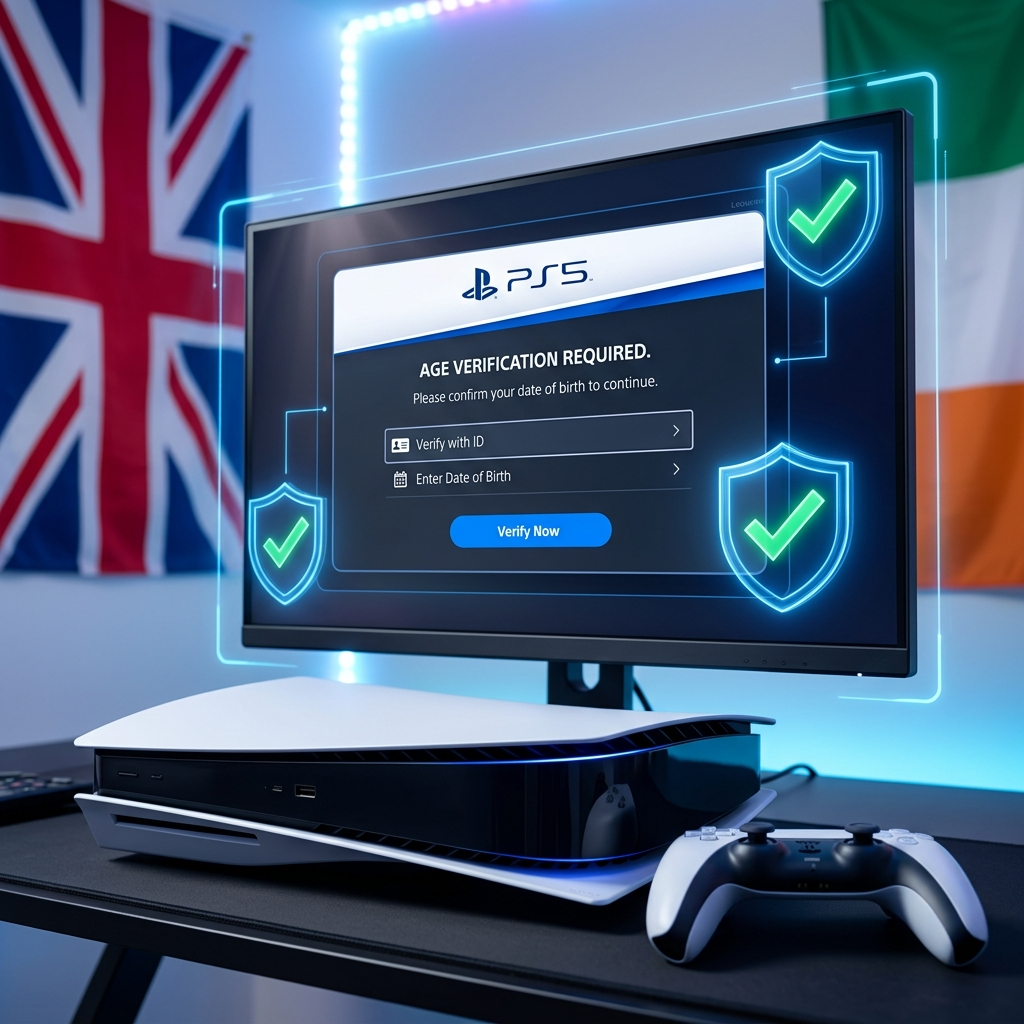
PlayStation age verification checks are rolling out across the UK and Ireland, and honestly? It’s about damn time. I’ve been gaming on PlayStation for years, watching kids hop into M-rated lobbies like it’s nothing, and now Sony Interactive Entertainment is finally taking a hard stance. This isn’t just some checkbox you tick and forget. We’re talking real verification that might actually make a difference in how we game online.
Look, I get it. Nobody likes jumping through hoops just to play their favorite games. But after seeing what passes for “age-appropriate” behavior in some lobbies, I’m here for this change. Let me break down everything you need to know about these new checks, why they’re happening, and what it means for your gaming sessions.
What’s Actually Changing with PlayStation Age Verification
The new PlayStation age verification system isn’t messing around. Starting this year, players in the UK and Ireland are getting hit with legitimate ID checks when they register accounts or access age-restricted content. We’re not talking about the old “just enter your birthdate” nonsense we’ve all gamed since we were 12.
Sony’s implementing third-party verification services that check actual government-issued IDs. Passport. Driver’s license. The real deal. And before you lose it about privacy, they’re using encrypted verification that doesn’t store your full ID details on PlayStation servers. The system confirms you’re the age you claim to be, then tosses the sensitive data.
This rollout ties directly to the UK’s Digital Economy Act, which basically said “enough is enough” with kids accessing adult content online. Gaming fell into that regulatory net, and platforms like PlayStation had to adapt or face serious consequences.
Who Gets Hit with Age Verification UK Requirements
Not everyone needs to verify immediately. If you’ve had your account for years and you’re clearly an adult based on your purchase history and age settings, you might skate by for now. But new accounts? Anyone trying to access mature-rated games or certain online features? You’re getting checked.
The age verification Ireland rollout mirrors the UK implementation. Both regions are dealing with similar regulatory pressures around online safety, especially for minors. If you’re setting up a fresh PlayStation account in Dublin or London, expect the same verification flow.
Why This Matters More Than You Think
Here’s where my opinion gets spicy. This isn’t just about protecting kids—though that’s obviously huge. It’s about creating gaming environments that actually match their ratings. I’ve played too many sessions of competitive shooters where squeaky-voiced players drop slurs they learned from their favorite streamer. It’s exhausting.
Safe gaming isn’t some corporate buzzword. It’s about being able to hop into a mature-rated game and interact with other adults who understand context, consequences, and basic human decency. When a 10-year-old wanders into an 18+ game, everyone loses. The kid gets exposed to content they’re not ready for, and adults can’t engage naturally without worrying about corrupting someone’s childhood.
I’ve seen the impact firsthand. Played The Last of Us Part II multiplayer when it had loose age controls. The experience was night and day compared to games with stricter enforcement. Better communication. Less toxic behavior. Actual teamwork. Age-appropriate gaming experiences aren’t just about content—they’re about community quality.
The Technical Side of Sony Interactive Entertainment Age Check
Sony partnered with verification specialists who’ve worked with financial institutions and government services. The process is actually smoother than you’d expect. You submit your ID through the PlayStation app or website. The system scans it, verifies the security features, confirms your age, and you’re done. Takes maybe five minutes if you’re slow about it.
The verification tech uses optical character recognition and document authentication to spot fakes. It checks holograms, watermarks, font consistency—all the security features that make real IDs legitimate. This isn’t some intern eyeballing your driver’s license through a webcam. It’s sophisticated stuff that banks use for account opening.
What impressed me most? The system works with a massive range of documents. Got a provisional license? Fine. Passport from ten years ago? As long as it’s valid, you’re good. They’ve clearly thought about accessibility, which is rare when companies roll out verification systems.
Pro-Gamer Tip: Keep your ID handy when setting up new accounts or accessing age-restricted content for the first time. The verification window times out after 10 minutes, and you’ll need to restart the process if you take too long hunting for your documents. Trust me, I learned this the annoying way.
How This Affects Your Gaming Right Now
If you’re already verified, nothing changes immediately. Your existing library stays accessible. Your saves are fine. Your trophies aren’t going anywhere. But try to buy that new M-rated release? You might hit a verification wall if Sony’s system flags your account for review.
The biggest impact hits parents who share consoles with kids. Family accounts need proper age settings for each user now. You can’t just throw Junior on your adult account to play Spider-Man anymore—well, you can, but you’re bypassing safety features designed to keep age-inappropriate content away from them. The internet broke everyone’s bullshit detectors, and gaming platforms are finally responding.
PlayStation’s parental controls got buffed significantly alongside these verification changes. You can set spending limits, restrict access by PEGI rating, and monitor playtime without hovering over your kid’s shoulder constantly. It’s good design that respects both parental oversight and kid privacy within reasonable boundaries.
Privacy Concerns Are Valid But Overblown
I’ll be straight with you: I was sketched out initially. Handing over government ID to a gaming company feels weird. But after digging into Sony’s corporate responsibility policies and understanding the verification partner’s encryption standards, my concerns eased.
The verification service doesn’t store your full ID image. They extract the necessary data points (name, date of birth, document validity), confirm them, then delete the image. Sony receives a simple “verified” or “not verified” response. That’s it. Your passport photo isn’t sitting in some database waiting for a breach.
That said, no system is perfect. Data breaches happen. But Sony’s using industry-standard encryption and partnering with companies that handle far more sensitive financial data daily. If we trust these systems for banking, the same security architecture works for gaming verification.
What Parents Actually Need to Know
Setting up kid accounts properly matters now more than ever. Create dedicated child accounts through the family management system. Set accurate birthdates. This lets PlayStation automatically filter age-inappropriate content without constant manual oversight.
The verification system works both ways—it protects kids from accessing mature content and protects you from accidentally letting them into spaces they shouldn’t be. Online safety measures only work when everyone plays by the rules.
Your teen wants to play that new 18+ horror game? Have the conversation. Understand why ratings exist. Maybe watch gameplay together first. Age ratings are guidelines, but ultimately, you know your kid. The verification system gives you tools to enforce boundaries you set, not arbitrary restrictions you can’t control.
The Bigger Picture: Gaming Industry Accountability
PlayStation isn’t alone in this. Microsoft, Nintendo, and Steam are all facing similar regulatory pressures across Europe. The UK’s getting aggressive about online safety legislation, and gaming platforms are responding before they face legal consequences.
This is where I get a bit philosophical. Gaming grew up. We’re not the niche hobby anymore. We’re mainstream entertainment that rivals movies and music. With that mainstream status comes responsibility. We can’t pretend the wild west days of online gaming were sustainable. They weren’t.
I remember the Xbox Live lobbies of 2007. Pure chaos. Hilarious sometimes, sure, but also genuinely harmful. Kids getting harassed. Adults behaving like kids. Zero consequences for anyone. The modern internet demands better, and verification checks are one tool toward improvement.
Common Issues and Quick Fixes
Verification failing? Check your ID isn’t expired. Make sure your photo is clear—no glare, no shadows, all text readable. The system needs to see security features clearly, so natural lighting beats your dim bedroom lamp every time.
Document not recognized? Contact PlayStation support directly. Sometimes international documents from specific regions need manual review. It’s annoying but necessary for comprehensive coverage.
Privacy concerns too strong to proceed? You can opt for limited accounts that restrict mature content access. Not ideal for adult gamers, but it’s an option if you absolutely refuse verification.
Frequently Asked Questions
Do I need to verify my age if I already have a PlayStation account?
Not immediately if your account is established and your age settings indicate you’re an adult. However, Sony may require verification when you attempt to access new age-restricted content or if your account gets flagged during routine reviews. New account holders face verification requirements upfront.
What documents does PlayStation accept for age verification?
PlayStation accepts government-issued photo IDs including passports, driver’s licenses, national identity cards, and provisional licenses. The document must be current and valid, with all security features clearly visible. The verification system works with documents from both the UK and Ireland.
Is my ID information stored permanently on PlayStation servers?
No. The third-party verification service processes your ID, confirms your age, then deletes the sensitive image data. PlayStation receives only a verification confirmation—not your actual ID details. The system uses bank-level encryption during the brief processing window.
Can my teenager verify their actual age to access appropriate content?
Yes. The verification system confirms real ages, so teenagers can verify they’re 16 or 17 to access content rated for their age group. This actually helps teens access age-appropriate games that might be blocked by overly cautious default settings. Parents should supervise this process and discuss content ratings together.
What happens if I refuse to complete age verification?
You’ll face restrictions on accessing mature-rated content and certain online features. Your existing library remains accessible, but purchasing new M-rated games or accessing age-restricted community features will be blocked. You can maintain a limited account, but you’re essentially stuck with content rated for younger audiences.