
This Witcher 3 remastered guide settles something: you don’t need an excuse to replay The Witcher 3 — but following this Witcher 3 remastered guide makes the return trip even better. But if your brain keeps whispering “maybe when I upgrade my setup,” congratulations — the remastered version plus Prime Day discounts just removed your last excuse. The Continent has never looked this good, and your wallet has never had a better moment to prepare for it.
This Witcher remastered guide is the no-fluff version: what the remaster actually changes, the gear that genuinely matters (with real picks from our store), the settings that buy you frames, and how to hunt Prime Day like you hunt griffins — patiently, then all at once.
At a Glance
- The remaster is the definitive version — ray-traced lighting, rebuilt textures, 60fps performance mode, and quality-of-life fixes, free for owners.
- You don’t need a flagship PC — a mid-range GPU plus an NVMe SSD gets you 1080p/60 looking gorgeous. Ray tracing at 1440p is where spending starts making sense.
- Four gear picks below — mouse, controller, headset, capture card — each chosen for a specific reason this game demands.
- Prime Day strategy inside — what to watch, what to ignore, and how to not get played by fake “was” prices.
Witcher 3 Remastered: What’s Actually Different
Forget the marketing bingo. Here’s what you’ll actually feel: ray-traced global illumination turns Novigrad’s lantern-lit streets and Skellige’s storm fronts into something genuinely atmospheric — light behaves like light now. Textures got rebuilt, foliage got denser, and the whole thing loads in seconds on an SSD instead of giving you time to make tea.
The 60fps performance mode is the sleeper upgrade. Witcher 3 combat always had weight; at 60 it finally has response to match. Add quick sign casting, a map filter that doesn’t make you want to scream, and cross-progression, and you’ve got the version this game always deserved to be.
Played it at launch? It looks like a different game in places. Never finished it? Stop reading guides about guides — this is the one to play.
The Gear That Actually Matters (Real Picks)
A 100-hour RPG punishes bad peripherals the way Velen punishes bad decisions. These four earned their spots — each one solves a specific problem this game creates:
SC580 Tri-Mode Wireless Gaming Mouse (10000 DPI) — $23.66
Witcher combat lives and dies on camera control and sign-switching speed. The SC580’s 10000 DPI sensor gives you clean, jitter-free tracking for those moments when three drowners flank you at once, and tri-mode connectivity means zero cable drag during long sessions. On-the-fly DPI switching is the killer feature here — low for precise crossbow shots, high for spinning the camera across a battlefield. At this price, it’s the easiest upgrade on this list to justify.
GameSir T4Pro Wireless Controller — $39.00
Some games are just better from the couch, and this is one of them. The T4Pro works across PC, mobile, and Switch, so your Gwent sessions can migrate rooms with you. Asymmetric sticks and solid wireless with minimal latency keep Geralt’s dodges honest — and when your hands cramp at hour six (they will), you’ll be glad you’re not claw-gripping a keyboard.
G909 7.1 Motion Gaming Headset — $66.00
Here’s the thing nobody tells you: half of the Witcher 3’s atmosphere is audio. The wind on Skellige, the growl before an ambush, the score swelling when you crest a hill — the G909’s 7.1 surround puts you inside it instead of watching it. You’ll hear monsters before you see them, which in this game is a genuine survival advantage. Comfortable enough for the “one more contract” nights that end at 3 AM.
4K HDMI Capture Card (1080P 60fps) — $33.13
For the streamers and clip-makers: the remastered version is a content goldmine, and this captures it at smooth 1080P60 without taxing your gaming PC. Your “look at this lighting” clips deserve better than screen-capture mush.
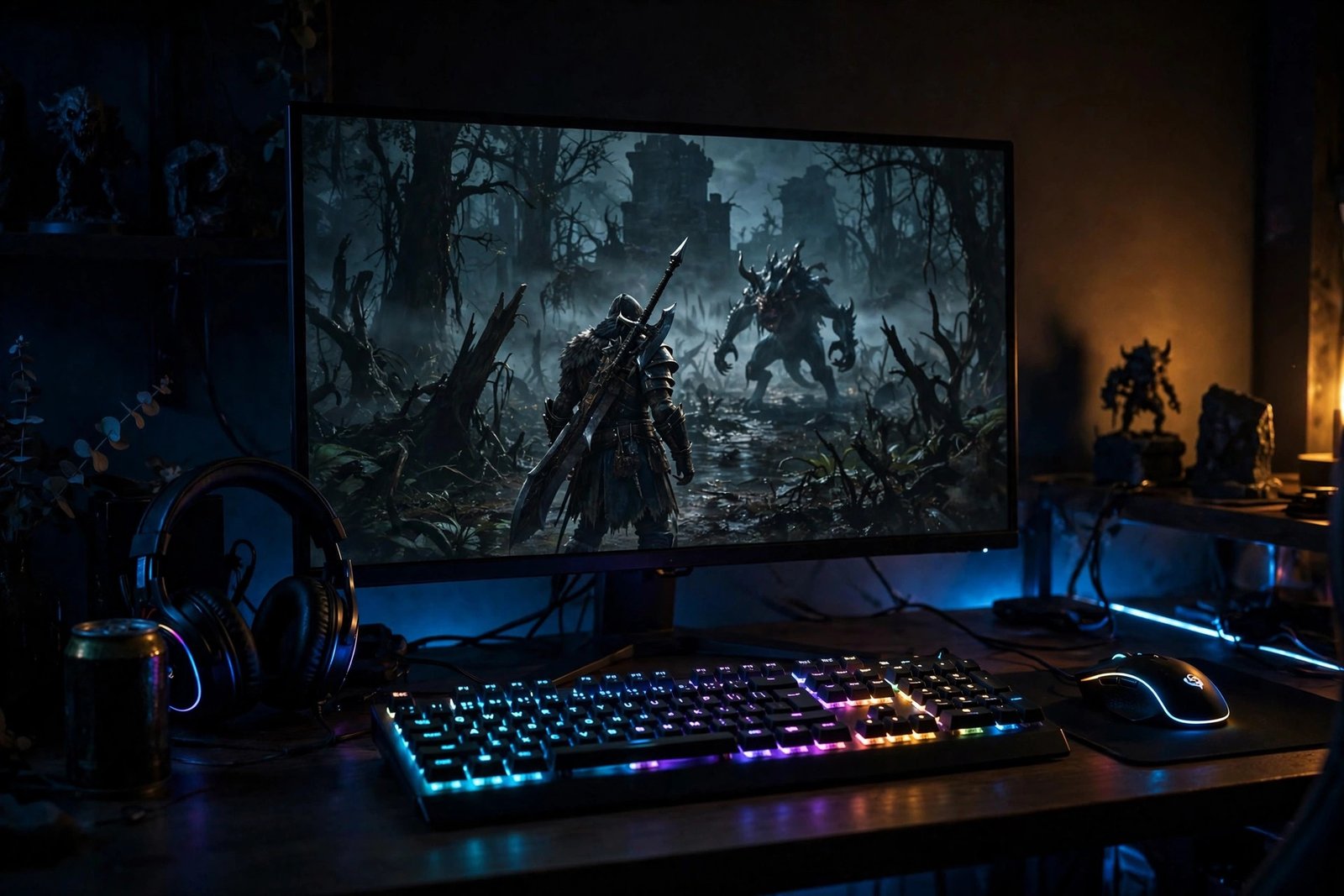
Witcher 3 Remastered Guide: Best Settings Without Sacrifice
The best settings for Witcher 3 in 2026 aren’t “Ultra everything” — that’s how you get a slideshow with nice lighting. Do this instead:
- Ray-traced GI: ON. RT shadows: OFF. Global illumination is the transformation; RT shadows cost a fortune in frames for gains you’ll never notice mid-fight.
- HairWorks: Geralt only. Full HairWorks is a frame murderer. Geralt-only keeps the iconic look for a tenth of the cost.
- Foliage: High, not Ultra. Invisible difference in motion, very visible difference in your frame counter.
- DLSS/FSR: Quality mode, always. At 1440p+ this is free performance that looks native. Not using it is leaving money on the table.
- Motion blur, chromatic aberration: off. The art direction is cleaner without the Vaseline filter.
Start from High, apply the above, and you’re looking at a locked 60 on most mid-range rigs with visuals that embarrass newer releases.
Prime Day: Hunt Discounts Like You Hunt Monsters
Witcher 3 Prime Day discounts aren’t about the game (it’s always cheap) — they’re about the hardware. Know your targets before the sale starts:
- GPUs: last-gen upper-mid-range cards get the deepest cuts. That’s exactly the tier this game wants for 1440p ray tracing.
- NVMe SSDs: 1–2TB drives hit yearly lows. Still on SATA? This is your sign.
- Monitors: 1440p high-refresh IPS is the sweet spot and gets aggressive discounts.
- The gear above: peripherals go on sale too — wishlist them now, strike when the price drops.
And the golden rule: ignore the crossed-out “was” prices, set alerts beforehand, and don’t hesitate on the good stuff — the real deals sell out in hours and don’t come back.
Frequently Asked Questions
Is the Witcher 3 remastered update free?
Yes. If you own the game, the next-gen update — visuals, performance mode, and all the quality-of-life fixes — was free.
What PC do I need for the remastered version?
A modern mid-range GPU handles 1080p/60 easily. Ray tracing at 1440p wants an upper-mid-range card. An NVMe SSD is effectively mandatory, with 16GB RAM and a modern 6-core CPU rounding it out.
What are the best settings for Witcher 3 in 2026?
High preset as a base, ray-traced GI on, RT shadows off, HairWorks on Geralt only, foliage on High, DLSS/FSR on Quality. Near-Ultra looks, smooth frames.
What should I buy on Prime Day for Witcher 3?
Priority order: NVMe SSD first (biggest experience jump per dollar), then GPU if you’re chasing 1440p ray tracing, then the peripherals above — mouse, controller, headset.
Is it worth replaying in 2026?
Honestly? It’s the best version of one of the best RPGs ever made, and it’s never been cheaper to run it properly. That’s not nostalgia talking — that’s math.
Read next: Minecraft building tips · RGB backlit gaming mouse review · GamesRadar’s Prime Day Witcher 3 guide
More from EWM PLAY: more RPG deep-dives: our Dragon’s Dogma 2 review and the Kingdom Hearts journey. This Witcher 3 remastered guide keeps you at 60fps. Bookmark this Witcher 3 remastered guide — settings verified for 2026 hardware. Every Witcher 3 remastered guide worth reading starts with the display settings above. — official site: The Witcher.
[…] next: The Witcher 3 Remastered Guide: Prime Day Discounts, Hardware & Best Settings for 202 · Gaming Mouse and Mouse Pad Technology: 2026 Advancements paint rich codes […]